R36H: Difference between revisions
HandheldWiki (talk | contribs) No edit summary |
HandheldWiki (talk | contribs) |
||
| Line 70: | Line 70: | ||
<div><ul> | <div><ul> | ||
<li style="display: inline-block;"> [[File: | <li style="display: inline-block;"> [[File:1192215416 max.jpg|link=[[R36S Handheld Wiki]]|thumb|none|400px|Link: [[R36S Handheld Wiki]]]] </li> | ||
</ul></div> | </ul></div> | ||
Revision as of 02:08, 14 May 2025
| R36H | |
|---|---|
 | |
| Specification | |
| Brand | Game Console |
| Release Date | 12 / 2024 |
| SoC | RK3326 |
| Screen Size | 3.5" |
| Resolution | 640x480 |
| Aspect Ratio | 4:3 |
| OS | Linux |
| External Storage | 2x microSD |
| Video Output | no |
| 3.5mm Audio Jack | yes |
| Battery | 3000 mAh |
Price
~$35
AliExpress link #11: https://s.click.aliexpress.com/e/_ooHlHAN AliExpress link #21: https://s.click.aliexpress.com/e/_oDzNNo1
1 If you want to support this wiki, you can buy a device through one of these "affiliate" links. The price won't increase for you. The recieved amount of money (usually around 2%) will be used for aquiring new devices, testing and documenting them for the handheld community. A part of the money will also go to miraheze, which is the free hosting service that has enabled this project.
Colors
-
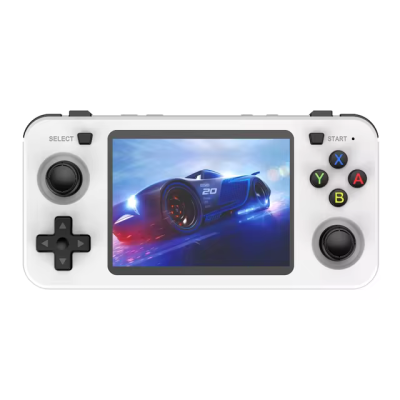
white -
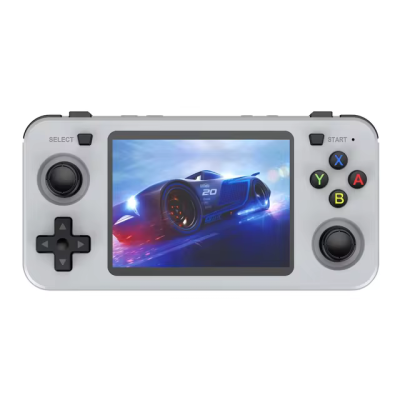
grey -
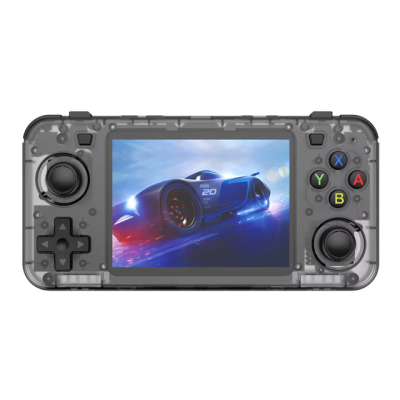
black transparent -

purple transparent -
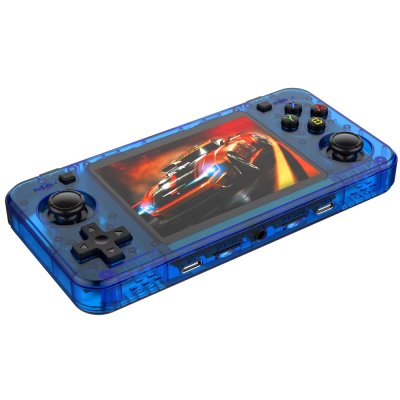
blue transparent -
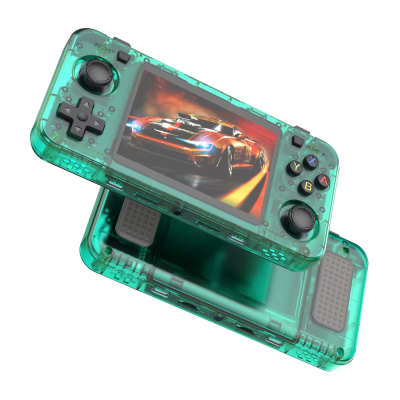
green transparent -

red transparent -
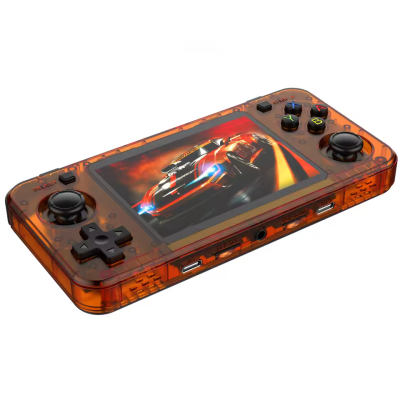
orange transparent


More Images


More Information
Retro Handhelds Review: https://retrohandhelds.gg/r36h-hands-on/
The R36H is a horizontal version of the R36S with Display Panel 4 (V5) version. The only real difference is the lack of a FN button. For setup guides and other stuff like themes or bootlogos you should check out the extensive R36S Wiki.
-

Link: R36S Handheld Wiki
User Manual
Videos
Firmware
ArkOS
- ArkOS Community Maintained Image (use Panel 4 (V5) version): https://github.com/AeolusUX/ArkOS-R3XS
- Choose R36H/R33S as the device type in the Options Menu (for fixing the missing FN hotkey button)
- Reconfiguring "Hotkey" on R36H for ArkOS
AmberELEC
- Download: https://github.com/AmberELEC/AmberELEC-prerelease/releases/
- Change dtb file on the boot partition to this: https://github.com/tech4bot/r35s/tree/main/new_displays/panel4
Rocknix
- Custom firmware maintained by a team at https://github.com/ROCKNIX
- The R36H is not officially supported, but the R36S is officially supported. The R36S image works on the R36H. https://github.com/ROCKNIX/distribution/releases
- Once you write the Rocknix image to an SD card, open the ROCKNIX partition, create a folder named "overlays" and copy the correct dtbo file for your screen to the overlays folder. Then rename the dtb file to "mipi-panel.dtbo"
- Recent R36H devices from China (Jan 2025) have "panel 4" and usually have a file on the OS card that comes with the device saying it is a v5 device. (version 5, meaning panel 4)
- For more information on the dtbo file, see the Rocknix doc page for the R36S: https://rocknix.org/devices/unbranded/game-console-r35s-r36s/#new-displays-r36s-of-year-2024
- You can find the various panel files for the R36S and R36H here: https://github.com/AeolusUX/R36S-DTB/tree/main/New%20Screens
